
Clearspace
An app that puts a moment between you and the apps that pull you in.
What is Clearspace?
Clearspace is an app that puts a pause between you and your most distracting apps, and lets you set limits on each session. Three simple tools do the work:
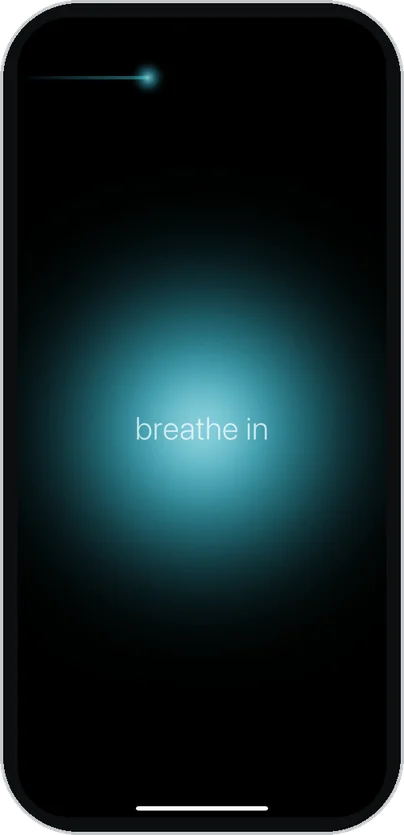
A breath before every distracting app
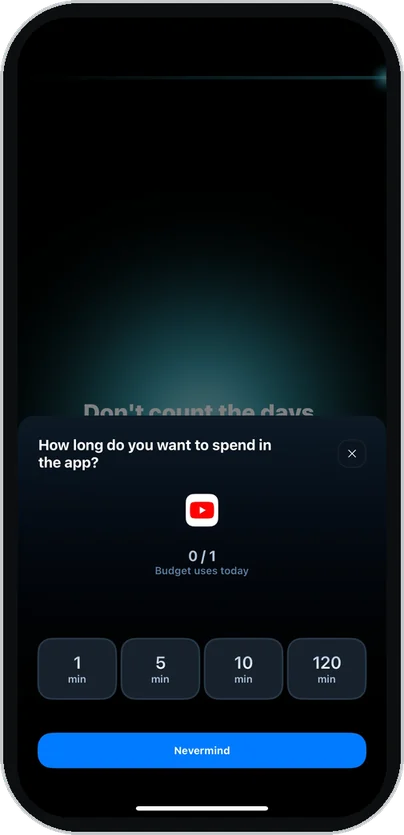
Decide how long you'll spend in it
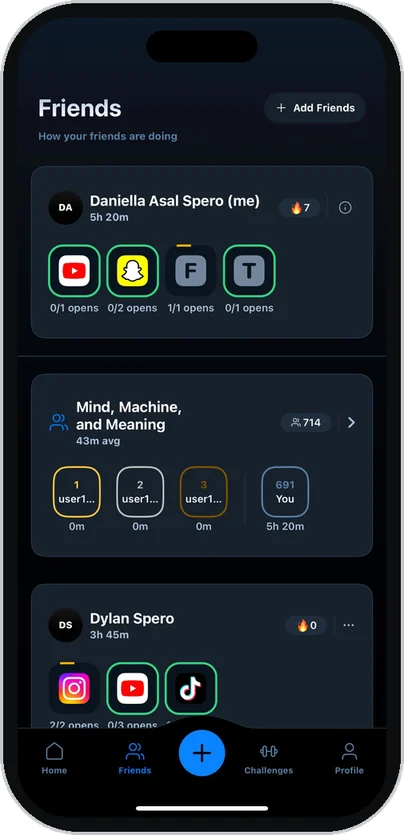
Friends keep you accountable
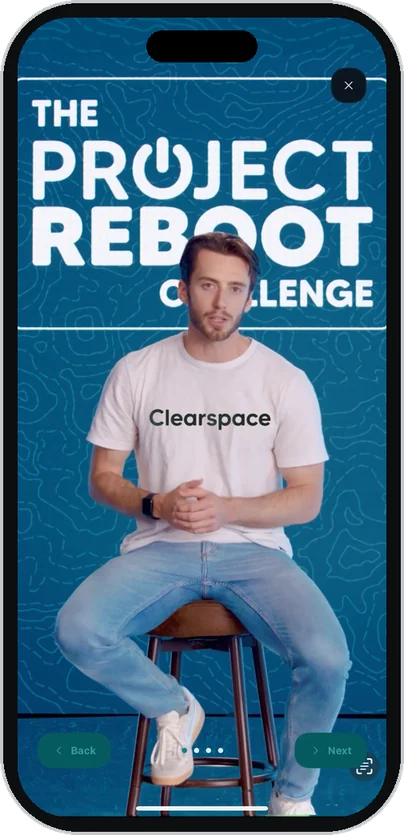
The Project Reboot Challenge
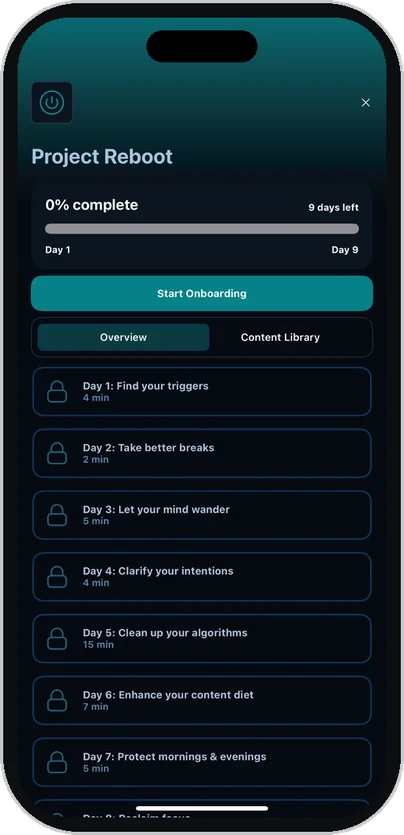
An optional 9-day challenge inside Clearspace. Join it whenever you're ready.
9days
Each day is a short video lesson and one action, following the UC Berkeley course.
5minutes a day
Most days take under five minutes. Rewatch any lesson in the content library.
Freefor students
The Challenge comes with Clearspace. Join it from the Challenges tab, or skip it.
All nine days
- Day 1Find your triggers4 min
- Day 2Take better breaks2 min
- Day 3Let your mind wander5 min
- Day 4Clarify your intentions4 min
- Day 5Clean up your algorithms15 min
- Day 6Enhance your content diet7 min
- Day 7Protect mornings and evenings5 min
- Day 8Reclaim focus3 min
- Day 9Low-effort, high-impact changes6 min

Dr. Sahar Yousef
Cognitive Neuroscientist and MBA Faculty, UC Berkeley · Chief Science Officer, Project Reboot






Download Clearspace on your device
Two steps, about two minutes.
Get Clearspace on your phone
- 1Download ClearspaceScan this QR code with your phone, or open it in the App Store.Download on theApp Store
- 2Create an accountIf you're a student, sign in with your school email.
- 3Get Clearspace Premium freeFor students
On page 4 of sign-up, choose "Student" and verify with your school email. Free through the end of college (normally $50 a year).
Already on Clearspace? Student verification is in Settings.
Join the Project Reboot Challenge
- 1Open the Challenges tabIt's in the bar at the bottom of the app.
- 2Tap Start on Project RebootYou're in. Day 1 takes about four minutes.
On Android? Student accounts and the Challenge are coming to Android soon. Until then, use ScreenZen and watch the lessons at tinyurl.com/rebootML.